Open Science’s First Three Steps: From Making the Workflow Work to Putting Model Choice in Users’ Hands
Over the past few days, AIPOCH have been iterating on [Open Science](https://www.aipoch.com/open-science) in public and with full transparency. In just three days, we released versions v0.1.0, v0.1.1, and v0.1.2.
Over the past few days, we have been iterating on Open Science in public and with full transparency. In just three days, we released versions v0.1.0, v0.1.1, and v0.1.2.
This is not a simple list of new features. It is a clear evolutionary path:
First, make the core research workflow actually runnable → Then make it easy for more researchers to install and start using → Finally, hand model selection power and verifiable trust mechanisms over to users.
With every release, we aim to bring Open Science one step closer to becoming practical, researcher-owned scientific infrastructure.
v0.1.0: Open Science is truly up and running
v0.1.0 is our first publicly runnable version. Its real significance is not the number of features added, but that it turned “AI-assisted research” from an architecture diagram into a working workbench you can actually use.
Core Demo
The full workflow now runs end-to-end:
Create a project → Upload data files → Agent autonomously plans and executes multi-step tasks → Run code → Generate results → Preview everything directly inside the app.
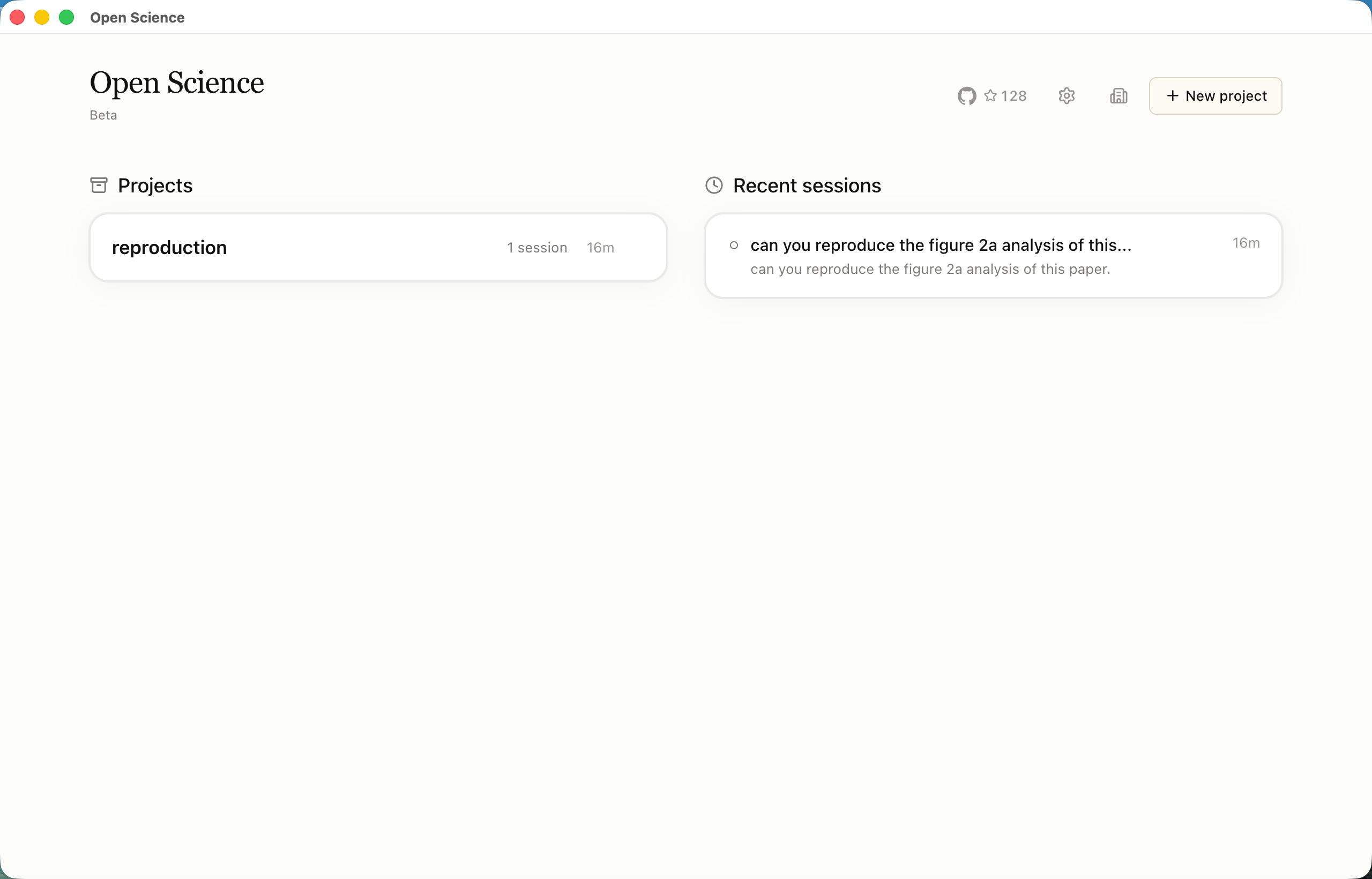
More importantly, the entire research process is preserved. Every piece of code that ran, execution logs, generated CSVs, figures, Notebooks, and complete sessions can be reopened at any time — instead of disappearing as the conversation scrolls away.
Philosophy
A scientific agent should not just return a block of text. It should produce inspectable, reproducible artifacts. v0.1.0 proves that Open Science can keep the research process intact.
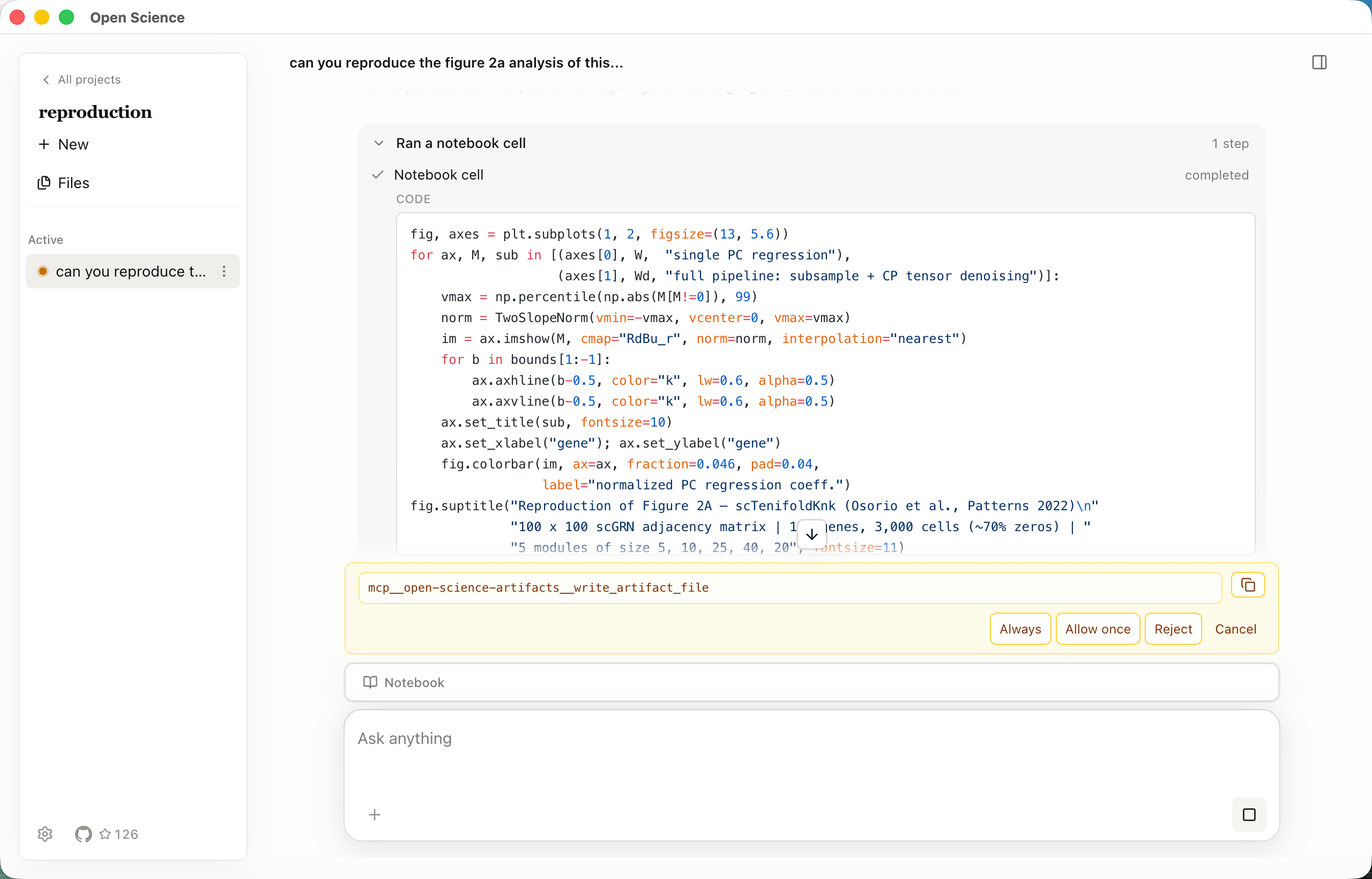
Human-in-the-loop control
When the agent is about to perform a high-risk operation, it pauses and clearly displays the exact command. The user must approve before execution continues. This is not a generic safety prompt — it is a necessary control boundary in automated scientific workflows.
v0.1.1: From “It runs” to “You can actually start using it”
v0.1.0 proved the workflow works, but many researchers still faced a practical barrier: How do I install it? How do I even get started?
v0.1.1 focuses on removing that final friction.
Key improvements
- Official installers for Windows, macOS, and Linux
- Guided first-run setup
- Custom Model Provider Configuration
- Switching providers does not interrupt running tasks
- API keys are stored securely using the system keychain
- Diagnostic logs are saved locally only — no default telemetry is sent anywhere
Philosophy
Open Science should let researchers — including those without deep developer experience — get started quickly. Scientific tools should minimize time spent on configuration so researchers can spend more time doing science.
v0.1.2: Putting model choice and verifiable trust in users’ hands
v0.1.2 centers on one idea: give real control back to the user.
Model choice
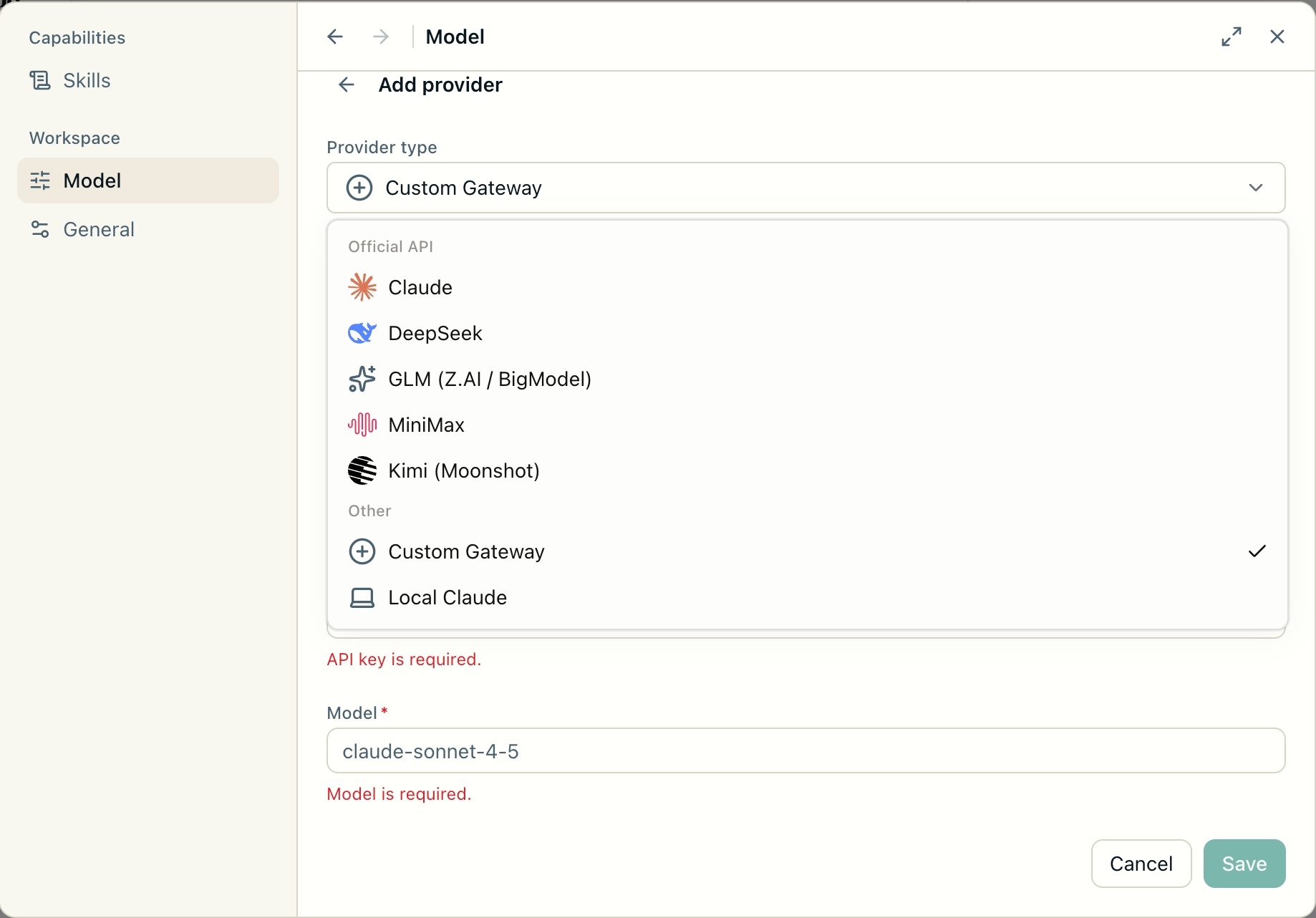
We now include built-in support for Claude, DeepSeek, GLM, MiniMax, and Kimi. Users can select specific models under each provider and switch models mid-project without losing the current session or project data. We also added the ability to refresh the model list directly from the vendor.
Research projects should not be locked into a single model. Different tasks at different stages can use different models based on cost, speed, or capability — this is what model choice should feel like.
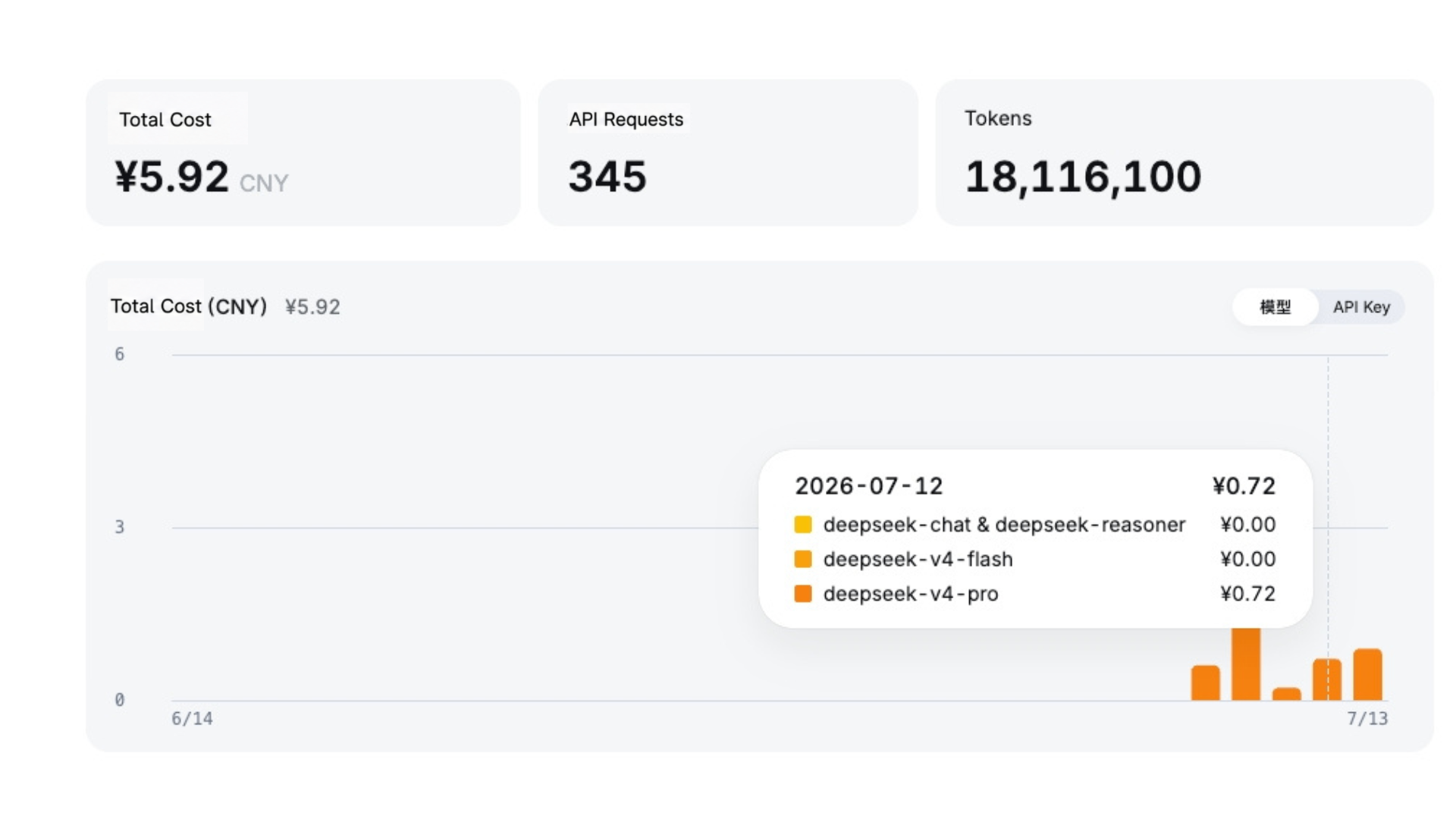
For example, one researcher used Open Science to download data and complete a full differential analysis entirely with DeepSeek. The entire task cost only ¥0.72.
Verifiable trust
Release installers now include SLSA build attestations. After downloading, users can run gh attestation verify to cryptographically confirm that the package was built from the official repository and the corresponding commit. This is not marketing — it is an actual, executable verification step.
Persistent Notebook records
The Notebook is no longer just a temporary output window. When you run the same task multiple times, each run creates its own independent cell. Reopening the project later preserves all previous records. The research process no longer vanishes with the chat history.
We also fixed the “boring but critical” issues
- Artifact loss when importing large PDFs or images
- Artifacts being dropped on task failure
- Permission dialogs now show the full command
These updates may not appear on promotional posters, but they directly improve daily reliability and trust.
Three days, three versions — what we actually delivered
v0.1.0 got the core research workbench running.
v0.1.1 added cross-platform installation and a smooth onboarding experience.
v0.1.2 brought user-controlled model selection, persistent Notebook records, and verifiable release packages.
After these three steps, Open Science has evolved from a demonstrable prototype into a tool that researchers can actually install, switch models in, verify the source of, and use while keeping a complete record of their research process.
We choose to show every step openly and transparently because we believe the development of scientific infrastructure should itself be open, inspectable, and participatory.
Try it now
Open Science is still moving fast.
We welcome you to download it, try it, open issues, contribute code, or simply tell us what you want to see prioritized in the next version.
Science should not be a privilege, and the tools that support it should not become obstacles.
We will keep making every step more solid.